Live waiting screen text ideas: How to build anticipation
"The moment of anticipation is where the audience decides whether to stay or click away."
Effective live waiting screen text involves balancing anticipation with clear information to retain viewers before the broadcast begins. To achieve this, creators should focus on three specific elements: a welcoming greeting, a clear countdown or schedule, and a brief teaser of the upcoming content.
How to structure live waiting screen text ideas?
At midnight in the silent studio, I tapped my pen against the desk while sketching ways to live with organized layouts.
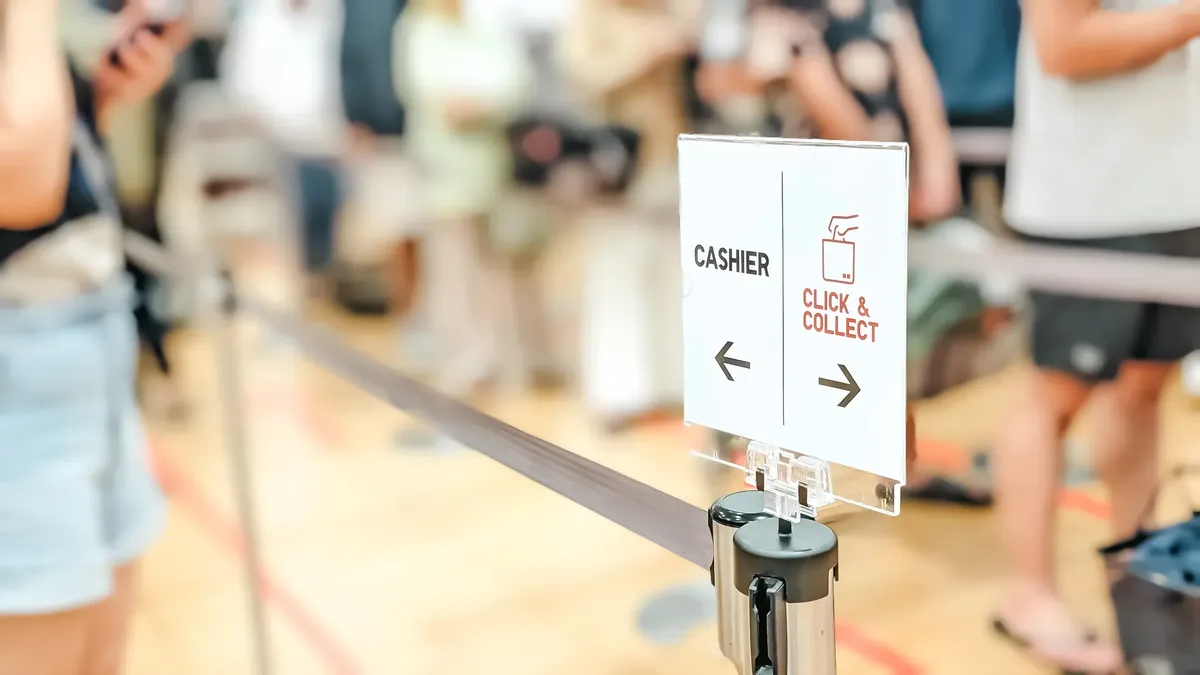
A blank screen with a timer often feels cold and disconnected from the viewer. I once sat in a dark studio preparing for a broadcast, realizing that the text on the screen needed to act as a digital host while the technical team finished the final checks.
According to Super League, you can learn how to watch Super League Grand Final 2026 live streams from anywhere, and potentially even for free.
Effective live waiting screen text ideas should bridge the gap between the quiet start and the high-energy broadcast. Instead of leaving a silent void, the text should provide context for why the viewer should remain on the page.
The first step is to establish a welcoming atmosphere through a friendly greeting. This sets the tone for the community you are building.
The second step involves providing a clear timeline, such as a countdown or a specific start time. This manages expectations so viewers do not feel lost in the wait.
The third step is to include a brief teaser of the upcoming topic. This gives the audience a reason to stay until the clock hits zero.
A final check ensures that the text is legible against the background and does not distract from the visual countdown.
- Define the core purpose of the message.
- Select a tone that matches your brand.
- Draft multiple variations for testing.
What are the best phrases to keep users engaged?
A hand hovers over a mouse as a user stares at a static image with no direction. Without a clear message, the viewer may assume the stream is broken or late.

Best waiting screen phrases serve as a way to communicate that the delay is intentional. Using phrases that imply a countdown or a "starting soon" status keeps the momentum going.
For example, instead of just saying "Loading," a creator might use "Get ready, we are starting in 5 minutes!" This turns a technical necessity into an event.
Using phrases that invite interaction can also help. Asking a question related to the topic can prompt viewers to engage in the chat while they wait.
One limitation is that if the text is too long, it may clutter the screen and become difficult to read on mobile devices.
In this sequence, the second step is the most extensive.
How to implement a live stream text strategy?
A producer adjusts the brightness of a monitor, looking at a text box that feels too crowded for the layout. Managing the visual weight of the words is as important as the words themselves.
A successful live stream text strategy focuses on hierarchy. The most important information, like the start time, should be the largest, while secondary information can be smaller.
| Element | Purpose | Impact |
|---|---|---|
| Primary Hook | Grabs attention | Increases retention |
| Schedule Info | Manages expectations | Reduces frustration |
When I was setting up my own stream, I learned that the primary hook must be punchy. If the text is too wordy, the viewer's eye wanders away from the countdown.
Effective waiting screen copy should be concise enough to be read in a single glance. This ensures that the message is delivered instantly to anyone joining the stream.
How do I write effective waiting screen copy?
The cursor blinks on a text editor, waiting for the perfect sentence to capture the audience's interest. The goal is to create a sense of urgency without causing anxiety.
Developing effective waiting screen copy requires understanding the specific audience. A professional seminar needs different wording than a casual gaming session.
For a professional setting, use direct and polite language like "The presentation will begin shortly." For casual settings, use energetic language like "Hang tight, the fun starts in a few minutes!"
Always ensure the tone matches the visual style of the broadcast. A high-energy sports stream should not use overly formal or slow-paced language.
The text should always be updated if there is a delay. If the start time changes, the waiting screen must reflect that change immediately to avoid confusion.
Optimizing live stream messages for different devices
A viewer on a smartphone scrolls through a feed, quickly tapping on a live thumbnail. The text on the screen must be readable even on a small, handheld device.
Optimizing live stream messages means considering how the text looks on various screen sizes. Text that looks great on a desktop might be unreadable on a mobile phone.

Keep the font size large enough for mobile users but small enough to not cover the main visual elements. Centered text is often the safest bet for responsiveness.
Avoid using overly thin fonts that might disappear on low-resolution screens. Bold, clear typography helps the message stand out during the transition to live video.
One limitation of text-heavy waiting screens is that they may not translate well if the viewer has their sound turned off or is in a noisy environment.
The same subject is also called Stream hold screen wording.
This part also covers Waiting screen phrase examples.
Related




Comments 0