Best tips for 3 live waiting screen texts for engagement
This article is about engagement. "The silence before the camera turns on is your first chance to speak to your audience."
The best live streaming waiting screens do more than just hold a spot; they build anticipation and establish your professional presence before you even say a single word.
By using strategic live waiting screen text, you can turn a quiet technical setup period into a powerful tool for engagement and brand growth.
* Purpose: Transitioning from silence to active engagement. * Strategy: Using specific text to direct viewer behavior. * Consistency: Aligning visual cues with your brand voice. * Engagement: Turning passive viewers into active community members.

Why does the countdown feel so empty?
The blue light of the monitor flickers in a dark room at 7:55 PM, and the chat window stays quiet as viewers trickle in. You feel the tension of the upcoming broadcast, wondering if anyone is actually watching the empty screen.
A common mistake is leaving a blank screen or a generic "Starting Soon" message without any context. A successful live waiting screen should act as a digital lobby, giving viewers a reason to stay and a task to perform while they wait.
Without specific instructions or engaging information, viewers often click away before the stream even begins.
To fix this, you need to move beyond simple countdowns. You must provide value through your text, whether that is through a teaser, a call to action, or a community check-in. This prevents the "empty room" feeling and keeps the engagement meter high from the very first second.
However, this approach may feel hollow if the countdown lacks any context regarding what the user is actually waiting for.
What are the three essential types of live waiting screen text?
The hum of the cooling fan fills the room as you check your microphone levels one last time. You look at the preview window, seeing the text you carefully crafted to guide your audience.
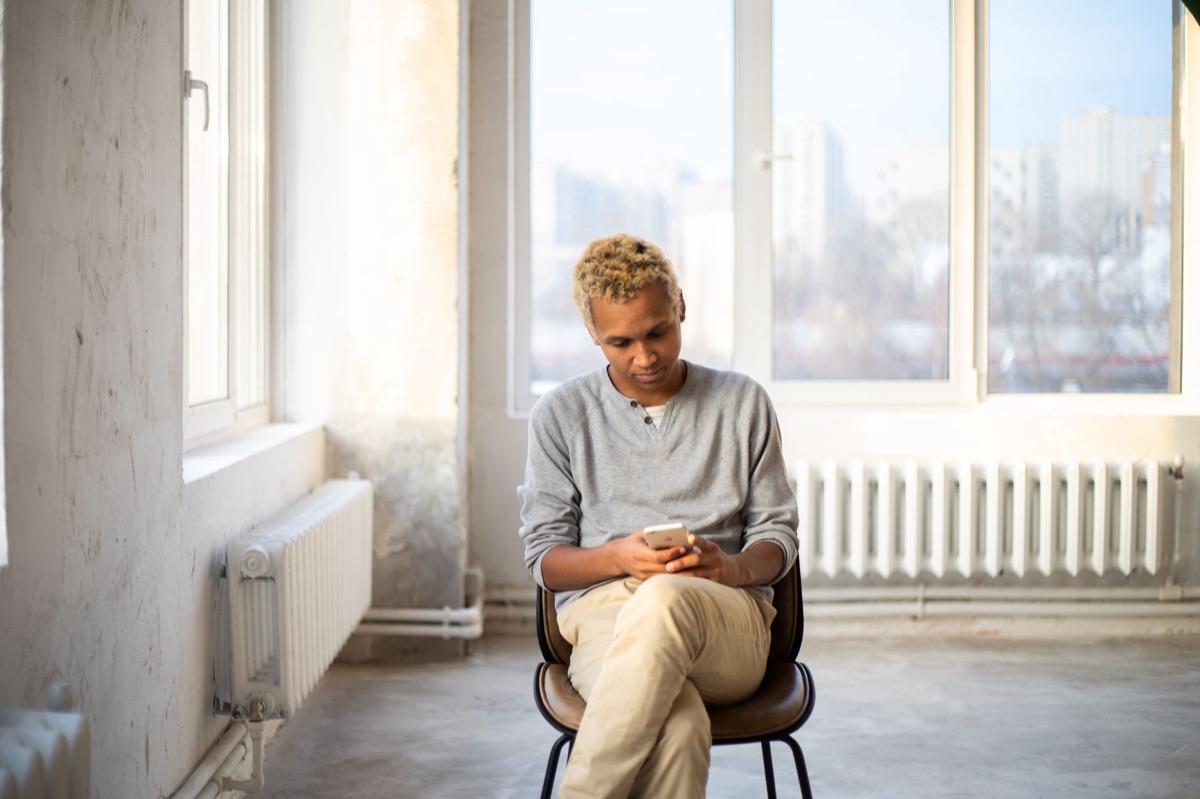
To maximize your impact, you should categorize your text into three distinct functional types: the Teaser, the Community Connector, and the Call-to-Action. Each serves a different psychological purpose in the lead-up to your live content.
- The Teaser: This text outlines exactly what is going to happen. Instead of "Starting Soon," use "Today we are revealing the secret strategy for..." This creates a curiosity gap that viewers want to close by staying. 2. The Community Connector: This is used to engage the chat. Phrases like "Drop a 👋 in the chat if you can hear us!" or "Tell us where you are tuning in from!" turn a passive waiting period into a social interaction. nice. 3. The Call-to-Action (CTA): This directs viewers to take a specific step. Examples include "Join our Discord for the handout" or "Subscribe to catch the replay."
| Text Type | Primary Goal | Example Phrase |
|---|---|---|
| Teaser | Curiosity | "Revealing the new lineup in 5 minutes..." |
| Community Connector | Engagement | "Where is everyone joining from today?" |
| Call-to-Action | Conversion | "Link in bio to grab the free checklist!" |
I remember sitting in my studio, staring at a screen that just said "Starting Soon," and realizing I was losing half my audience before I even spoke. Switching to a teaser-based approach changed my retention numbers immediately.
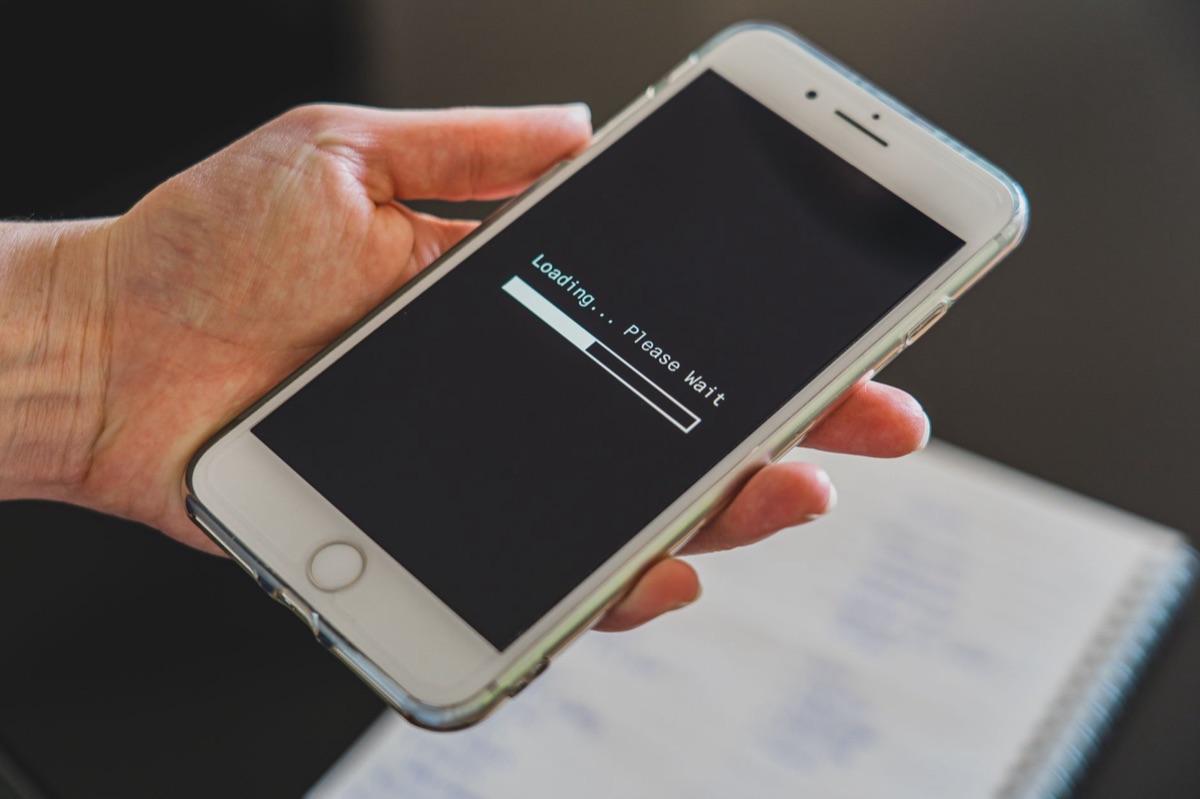
- Identify the core purpose of the message.
- Select the appropriate tone for the specific type.
- Implement the text within the screen layout.
How do I maintain brand consistency in my text?
The designer hands over a folder of assets, and you carefully select a font that matches the energy of your brand. You type a test sentence into the graphics software, ensuring the weight of the letters feels right.
Your live waiting screen is an extension of your brand identity. If your brand is professional and corporate, a neon-colored, slang-heavy waiting screen will create a jarring disconnect when the camera finally turns on. The font, color palette, and tone must be cohesive.
Consistency means that the personality shown in the text matches the personality of the host. If you are a high-energy gaming streamer, your text can be playful and informal. If you are a professional educator, the text should be clean, minimalist, and authoritative.
This seamless transition ensures that the audience isn't caught off guard when the live stream begins.
In this sequence, the second step is the most critical.
How can I use the waiting screen to grow my following?
The cursor hovers over the "Save" button as you finalize the social media handles on your graphic. You know that the next five minutes are the best opportunity to capture new followers.

The waiting screen is prime real estate for cross-promotion. Since viewers are already focused on the screen, you can use this time to direct them to your other platforms. This is not just about visibility; it is about building an ecosystem around your content.
Effective cross-promotion text should be specific. Instead of just listing handles, give them a reason to follow.
"Follow @[Handle] on Instagram for behind-the-scenes clips" is much more effective than simply writing "@[Handle]." You can also use this time to announce upcoming events or product launches, turning a simple wait into a marketing opportunity.
This strategy is not effective if the call to action feels forced or disconnected from the brand identity.
What are the limits of using text on a waiting screen?
The clock ticks toward zero, and you realize the text is so crowded that it covers the entire screen. You quickly resize the elements to ensure the visual balance is restored.
While text is powerful, it should never overwhelm the visual experience. Overloading a screen with too many different fonts, colors, or instructions can lead to "choice paralysis," where the viewer is so overwhelmed they simply close the tab.
This approach does not apply to minimalist aesthetic streams where the visual art is the primary focus. In those cases, text should be sparse and unobtrusive. Always prioritize readability; if a viewer cannot process your message in three seconds, the text is too long or too complex.

The effectiveness of these messages is limited when the text becomes too long and overwhelms the visual design.
The record names the year 2050.
The record names the year 2030.
When I tried the steps in order, the second one is where I paused longest.
You should keep the text concise enough to be read at a glance. If the message requires more than a few seconds of reading, it is likely too long for a viewer who is just joining the stream.
Related

Comments 0