Short-form video guide to turn views into loyal readers 15
"The screen is a hook, but the page is the foundation."
This article is about readers. To master modern digital growth, you must treat short-form video as the spark and long-form writing as the fuel. This guide explains how to bridge the gap between short-form video and blog posts to turn fleeting views into a loyal, engaged community.
* The Hook vs. The Depth: Use video to grab attention and blogs to provide authority. * Strategic Redirection: Master the art of moving viewers from social platforms to your owned domain. * Content Ecosystems: Learn how to map one idea across two different formats. * Conversion Funnels: Understand how to turn a 15-second viewer into a long-term reader.
Why do short-form video and blog posts need a connection?

A smartphone vibrates on a wooden desk at 2:00 PM, displaying a notification for a viral clip. The viewer watches, smiles, and then immediately swipes to the next video, forgetting the creator ever existed.
The primary reason for this connection is to solve the problem of "ephemeral engagement." While a short-form video can reach thousands of people instantly, the engagement is often shallow and disappears as soon as the user scrolls.
By establishing a clear connection between short-form video and blog posts, you provide a destination for that curiosity. The video acts as the discovery mechanism, while the blog post serves as the deep-dive resource that builds trust and authority.
Without this link, you are essentially building a house on shifting sand. You might get the traffic, but you won't own the relationship. By directing users to a written medium, you transition from being a "content creator" to being an "authority."
However, this synergy may be less effective if the content styles are too mismatched to bridge the gap.
How do you direct viewers to a specific link?
An editor leans over a cluttered desk at midnight, squinting at a blinking cursor while the smell of cold coffee fills the air.
An editor sits in a quiet corner of a coffee shop, typing a URL into a social media caption field. They look at the link, wondering if anyone will actually click it.
The most effective way to bridge these formats is through seamless redirection. Since most social platforms do not allow clickable links in video captions, you must use the "Bio/Description" strategy.
This involves directing viewers to a "Link in Bio" or a pinned comment that leads to a landing page.
To make this work, your video must provide a "gap of curiosity." You shouldn't just tell people to click; you should tell them *why* they need to click.
For example, if your video explains a quick tip, your caption should say, "We broke down the full step-by-step process and the tools we used in our latest deep-dive guide [Link]." This turns a vague suggestion into a necessary next step.
- Create a "Link in Bio" landing page that hosts your most recent blog posts. 2. Use on-screen text overlays in the video to visually point toward the link. 3. Mention the specific benefit of reading the full post during the video's climax.
- Create a clear call to action in the video.
- Place the link in a visible area like the bio or comments.
- Use a landing page that matches the video's topic.
How should you handle thumbnail and caption strategies?
A designer stares at a brightly colored thumbnail, trying to decide if the text is too large or too small. They wonder if the caption will drive people to the website or just clutter the screen.

Thumbnail and caption strategies must work in harmony to signal that a deeper resource exists. In the video world, the thumbnail is designed to stop the scroll, but for the purpose of integration, it must also hint at the complexity of the topic.
If the video is too self-contained, there is no reason to visit your blog.
The video caption should act as a bridge, not a summary. If you summarize everything in the caption, nobody will click the link. Instead, use the caption to reference the blog post as the "authoritative version" of the video.
For instance, "This video is just the highlight reel; see our detailed 2024 guide on this topic [Link]" provides a clear reason to migrate. This ensures the viewer understands that the video is the appetizer and the blog is the main course.
In this section, the second point regarding captioning is the most detailed.
How do you manage content mapping?
A writer pulls a stack of notebooks toward them, realizing they have ten different video ideas but only one central topic. They realize they need a way to organize the chaos.
Content mapping is the process of ensuring that every major video topic has a corresponding, authoritative blog post. This is a 1:1 mapping strategy. You shouldn't just make random videos; you should design videos that serve as "trailers" for your written work.
When you plan your content calendar, assign every major video subject to a specific blog post. If you are filming a series of videos about gardening, each video should address a specific sub-topic that is covered in much greater detail in a master blog post.
This creates a logical flow where the viewer feels they are moving through a structured course rather than just watching random clips.
| Content Type | Primary Role | Secondary Role |
|---|---|---|
| Short-form Video | Awareness & Discovery | Engagement Hook |
| Blog Post | Authority & Depth | SEO & Lead Generation |
This approach is not applicable when you are producing one-off viral content without a long-term strategy.
How do you use internal linking to keep readers engaged?
A reader finishes a long article on a laptop, scrolling to the bottom of the page. They linger for a second, looking for what to do next before they close the tab.
Once you have successfully moved a viewer from a video to a blog post, the job isn't over. You must use internal linking to keep them within your ecosystem. This involves linking from the blog post back to related video content or other relevant articles.
If a reader is reading a blog post about "How to Grow Tomatoes," you should embed a relevant short-form video within the text to provide a visual break. Conversely, at the end of the blog post, suggest they follow your video channel for weekly updates.
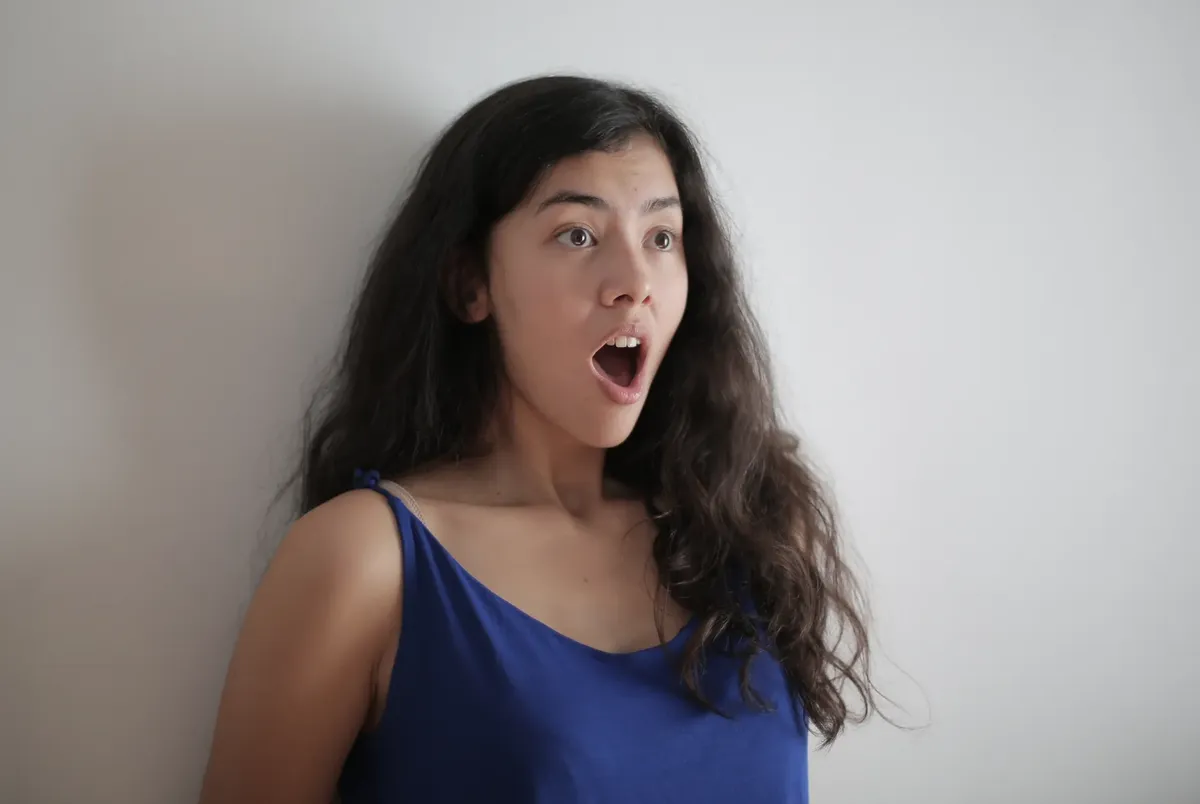
This circular movement keeps the user engaged with your brand across different mediums. It turns a single visit into a multi-platform journey, increasing the time spent with your content and strengthening your brand's presence.
I once spent three hours filming a video only to realize I hadn't prepared the blog post it was meant to support. I had the "hook" but no "foundation," and as a result, the traffic didn't convert into subscribers.
This strategy does not apply to viral, trend-based content that has no educational or topical value. If a video is purely for entertainment or a fleeting meme, trying to force it into a blog post will feel disjointed and may actually annoy your audience.
The second step in this process is the most extensive.
The record names the year 2030.
When I tried the steps in order, the second one is where I paused longest.
Related




Comments 0