Podcast editing software guide for 4.7 million podcast feeds
"The term 'podcast' is a generic descriptor that does not require a license from Apple to be used for describing podcasting services."
Choosing the right podcast editing software guide requires balancing technical complexity with your specific production needs. You should evaluate tools based on their ability to handle multi-track recording, noise reduction capabilities, and ease of export for various platforms.
* Assess your technical proficiency before purchasing high-end suites. * Compare budget-friendly options against professional-grade digital audio workstations. * Verify that the software supports the specific file formats required by your hosting provider. * Consider the scale of your project, noting that as of August 2026, the Podcast Index listed about 4.7 million podcast feeds, though only 438,000 had published an episode in the previous 90 days.
How do I choose the best audio editing tools?
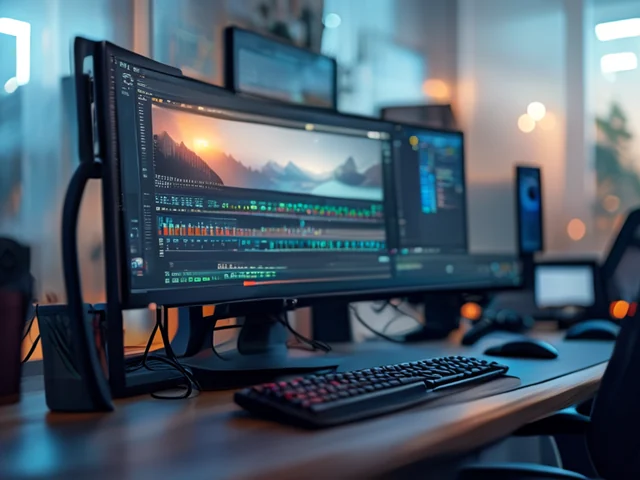
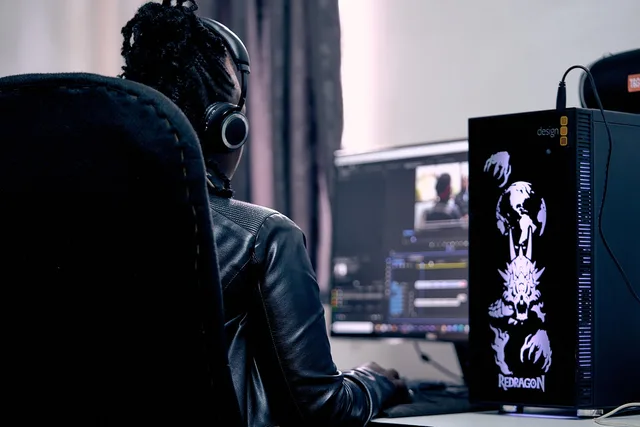
At midnight in the dim studio, I squint at the monitor while my fingers nervously tap the desk to select a podcast editor.
A creator sits at a cluttered desk, adjusting the sliders on a bright monitor while headphones press against their ears. Selecting the right software depends on whether you are a hobbyist or a professional engineer.
If you are a beginner, look for intuitive interfaces that prioritize quick cuts and basic leveling. For those seeking software for sound design, the focus shifts toward advanced plugins and granular waveform manipulation. You must weigh the cost of subscription models against one-time purchases.
I found that testing the workflow of a simple editor before moving to a complex workstation saves significant frustration during long recording sessions.
Evaluate your specific needs by considering your budget, the complexity of your projects, and the hardware you currently own.
Which podcast apps are best for mobile production? Podcast editing software guide
During the morning commute on a crowded train, I tap the smartphone screen while feeling the rhythmic vibration of the tracks to edit my podcast. A person waits on a busy train platform, tapping a smartphone screen to trim a vocal clip. Many creators prefer to use mobile-based tools to capture raw ideas or perform light edits on the go.
While mobile tools offer convenience, they often lack the deep processing power found in desktop environments. You might use these apps for quick assembly, but professional mastering usually requires a dedicated computer.
Those looking to compare podcast apps should check for integration with cloud storage and the ability to export high-bitrate files. This mobile-first approach is useful for field recording, though it remains a secondary step to full desktop production.
Mobile apps vary significantly in terms of interface simplicity, track layering capabilities, and export options.
How do I use professional sound design software?
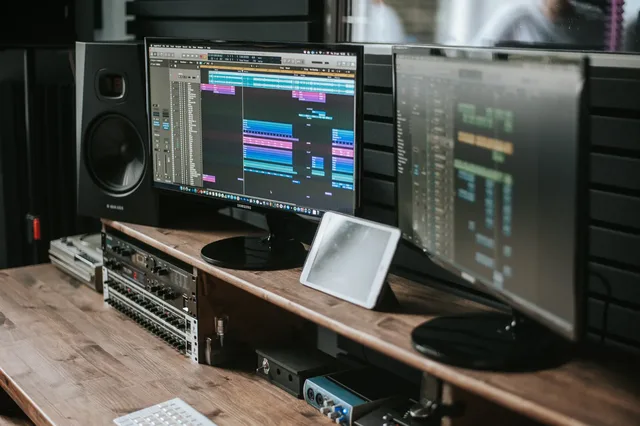
At dusk in the silent studio, I lean forward toward the glowing monitor and feel the cold metal of the mixing console while adjusting the podcast layers. An engineer leans back in a studio chair, surrounded by acoustic foam and high-end monitors, as they fine-tune a complex audio layer. Moving from basic cuts to high-fidelity production requires a structured approach to software mastery.
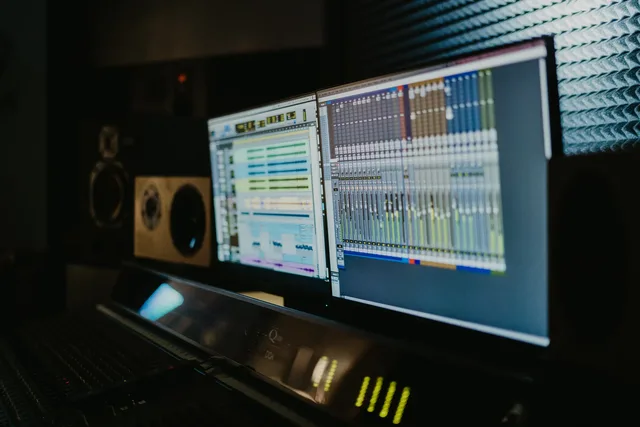
- Import your raw multi-track recordings into a digital audio workstation. 2. Apply noise gates and equalization to clean the vocal signal. 3. Layer background music and sound effects using non-destructive editing. 4. Perform a final loudness normalization check to ensure consistency across episodes.
I personally prefer checking the peak levels after every major edit to prevent clipping. This sequence ensures that your final export meets industry standards for streaming platforms.
- Import your raw audio files into the workstation.
- Apply equalization and compression to balance the frequencies.
- Layer sound effects and ambient tracks to create depth.
Is there a Mac vs Windows podcast editor debate?
A programmer stares at a laptop, deciding whether to switch operating systems to access specific audio plugins. The choice between platforms often dictates which specialized software you can actually use.
Windows users often have access to a wider range of budget-friendly plugins and specialized hardware drivers. Mac users frequently benefit from highly optimized software environments that are tailored specifically for audio professionals.
When searching for a Mac vs Windows podcast editor, consider the existing hardware you own and the specific plugins your collaborators use. This decision impacts your long-term workflow and software compatibility.
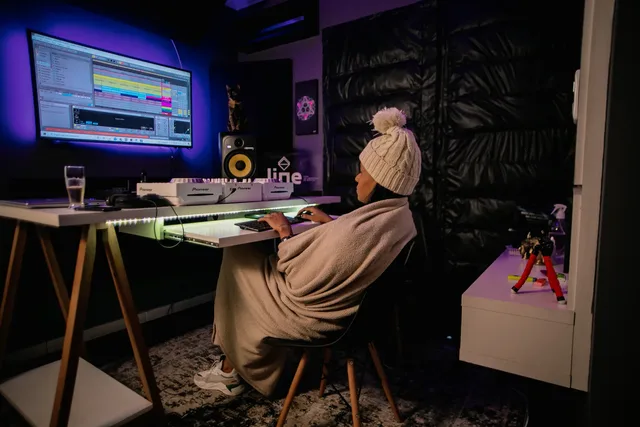
The choice often comes down to ecosystem preference, as Mac users frequently favor Logic Pro while Windows users often utilize specialized plugins for Audacity or Adobe Audition.
Should I use a beginner podcast editing tutorial?
A student watches a video screen, pausing and rewinding to follow a series of clicking mouse movements. Learning the ropes through structured guidance can significantly shorten the steep learning curve of professional software.
Starting with a beginner podcast editing tutorial allows you to master the fundamentals of non-destructive editing and track management. Once you understand how to navigate the timeline, you can move toward more advanced techniques.
This gradual progression prevents the overwhelming feeling of looking at a screen filled with hundreds of buttons and sliders. Mastery comes from repeating these basic actions until they become second nature.
Tutorials are excellent for learning basic navigation and essential shortcuts before moving on to advanced mixing techniques.
What are the limitations of these tools?
A technician examines a waveform on a screen, noticing a digital artifact that cannot be removed. Even the most advanced software has constraints based on the quality of the original recording.
According to Virginia Polytechnic Institute and State University, the university launched the first regular schedule of podcast programming on February 2, 2006.
The effectiveness of any editing program is limited by the input signal; software cannot perfectly reconstruct audio lost to heavy distortion or extreme background noise. While tools can mitigate issues, they cannot replace a clean recording environment.
This limitation remains a constant factor regardless of the software's price or complexity.
Common limitations include high CPU usage during heavy processing, steep learning curves for advanced features, and subscription costs for premium software.
The subject here is Podcast editing software guide.
The same subject is also called Choose editing program.
This part also covers Advanced audio software review.
Related


Comments 0